

Best free Amazon to eBay lister
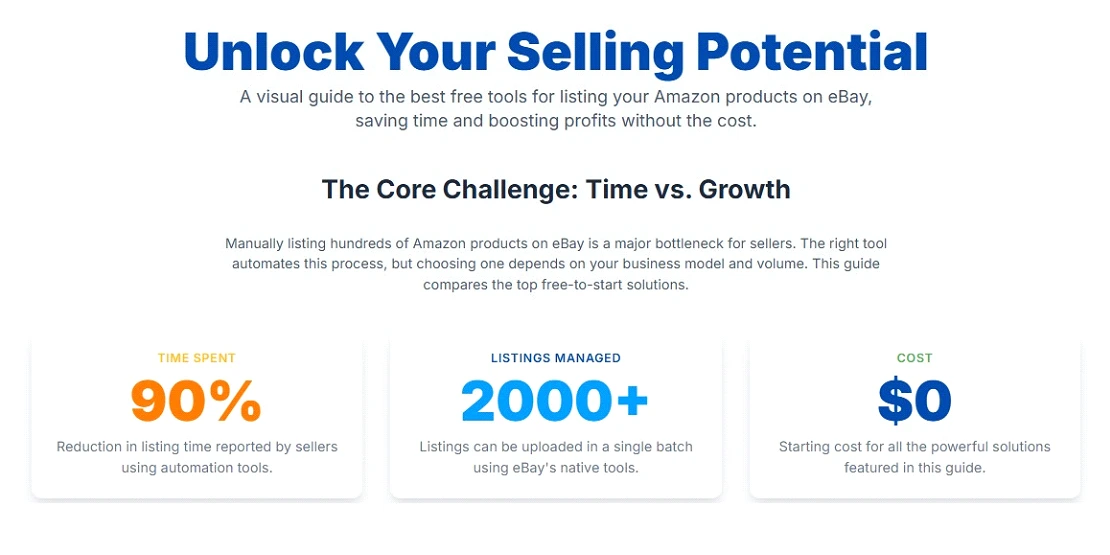
If you sell online, you know how much time it takes to list products on different platforms. Many sellers use two of the biggest marketplaces, Amazon and eBay, to sell, but managing them together feels like running two separate businesses. Sellers try to list hundreds of Amazon products on eBay manually; it takes a lot of time, and sometimes sellers pay a high cost for listing software, which eats their profit. When this happens, new sellers think of getting the best free Amazon to eBay lister. This is a simple yet powerful way to automate your listings, reach more buyers, and increase sales without spending extra money.
When you connect your accounts, the right tool can import your Amazon listings to eBay automatically, sync pricing and stock, and help your products rank higher on eBay's search results. It saves time, eliminates repetitive work, and lets you focus on growing your store and boosting profits. There isn't a single tool that fits everyone's needs. A free Amazon to eBay lister depends on what you sell and how you manage your business.
Some sellers prefer using eBay's Seller Hub for its built-in bulk listing features, while others find WooCommerce integrations helpful when managing listings from their own website. If you're exploring automation, finding the best free Amazon to eBay lister can help you test and optimize your workflow with minimal investment. Tools like Map My Channel offer free versions or limited trials that let you test automatic imports and real-time inventory sync, though these may come with usage caps or feature limits. The key is to start with a free solution that fits your current stage, then scale up once your sales volume and revenue justify a more advanced paid tool.
 What is an Amazon to eBay Lister?
It is a software that helps sellers copy product details (like titles, descriptions, images, and prices) automatically from Amazon and list them on eBay. Instead of manually creating new eBay listings one by one, these tools let you:
- Import listings from Amazon directly.
- Edit product information in bulk.
- Sync stock and prices automatically.
- Save time, reduce errors, and list faster.
For dropshippers or multi-channel sellers, using an Amazon to eBay lister free tool is like having hired a virtual assistant that works 24/7, but without the extra cost. Choosing the best free Amazon to eBay lister helps maximize this benefit, especially when managing hundreds of products.
Why You Need a Free Amazon to eBay Listing Tool
If you're running a business on a budget, paying for software every month eats up your profit. That's why many sellers look for a free Amazon to eBay listing software that offers the main features needed to get started. Here's why having one matters:
Saves Time: Copying listings from Amazon to eBay manually takes hours, especially if you sell hundreds of products.
Prevents Errors: Human mistakes like missing images, wrong titles, or incorrect prices can hurt your eBay reputation.
Detects Duplicates: A good tool helps you avoid uploading the same item more than once, which can lead to eBay policy violations and customer confusion.
Faster Scaling: Once your listings are imported, you can focus on marketing and customer service rather than typing product details.
Better Consistency: Your products will look professional across both marketplaces. especially when you follow practices similar to those used by an Amazon listing optimization agency to maintain brand voice and keyword alignment.
Low Risk: A free import Amazon to eBay listing tool helps you test cross-platform selling before investing in paid automation software. The best free Amazon to eBay lister lets you explore this potential without any risk and expense.

Best Amazon to eBay Lister Tools
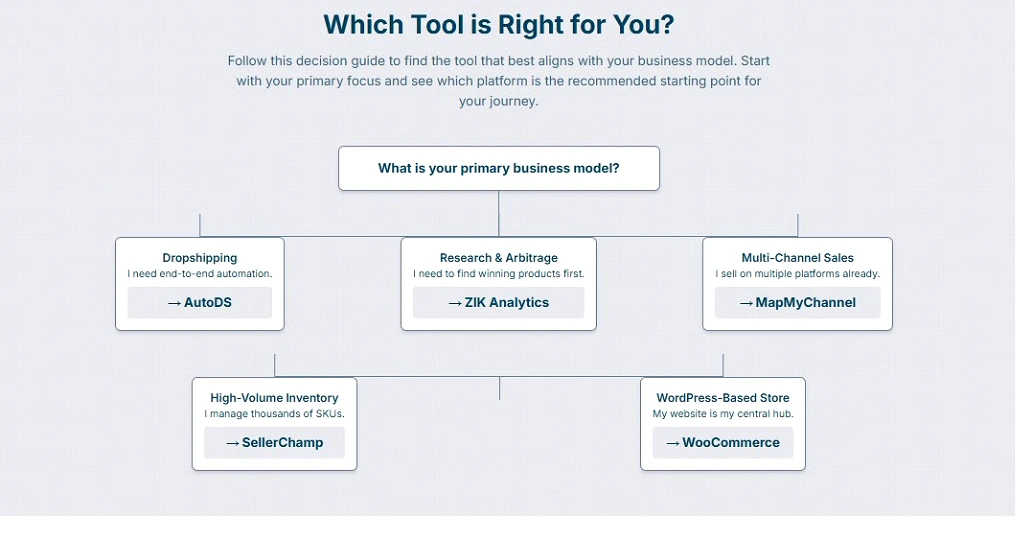
AutoDS is well known among dropshippers for its all-in-one features and broad integrations. It provides strong automation, which gives sellers a chance to get a 14-day trial for $1 for an Amazon to eBay listing. The free trial is helpful to evaluate whether its features match your workflow. The paid version starts from $49.90, which offers import of 200. As one of the best free Amazon to eBay lister options available through its trial, it helps sellers determine compatibility with their needs.
Key Features:
- Import via ASIN or product URL.
- Real-time price and inventory monitoring.
- Automation of order fulfillment.
- Support for multiple suppliers.
ZIK Analytics is a product research tool, but it supports listing import features too. It is great if you want market research and get free import Amazon to eBay listing capabilities. It gives a free trial of 7 days, and paid plans start from $ 39.99. Use the trial to judge if the data insights justify upgrading.
Key Features:
- Product demand & data analysis.
- Import listings to eBay.
- Optimized listing creation tools.
SellerChamp is designed to manage multiple marketplaces in bulk, including Amazon and eBay. It's a strong option for sellers with many SKUs who want to experiment with automation. The free trial gives you full access for two weeks before you decide. When the trial ends, you need to book a consultation in which prices will be quoted as they offer customized plans to fit your business needs.
Key Features:
- Bulk import of Amazon listings.
- Edit SKUs, titles, and prices centrally.
- Synchronize inventory across marketplaces.
WooCommerce is for sellers who run a WordPress store and want to connect it with Amazon and eBay. By using integration plugins, you can manage your listings and inventory from one place without switching to different platforms. The extension of WooCommerce is free, but integration plugins charge separately.
Key Features:
- Connect and sync listings across platforms.
- Edit titles, prices, and inventory from WordPress.
- Use extensions like M2E Multichannel Connect for automation.
- Supports bulk listing, category mapping, and stock updates.
MapMyChannel is a cloud-based integration platform that connects multiple marketplaces like Amazon, eBay, Shopify, and WooCommerce. It's regarded as the best free Amazon to eBay lister for beginners because of its free plan and giving option of uploaidng multiple SKUs. This is built for automation by syncing listings, inventory, and orders across all platforms in real time. A free plan is available for up to 1 sales channel, 35 monthly orders, and 5,000 SKUs, and paid plans start at $29/month for more automation and integrations
Key Features:
- Import and sync listings from Amazon to eBay automatically.
- Real-time inventory and price updates across channels.
- Automate order fulfillment and shipping tracking.
- Supports integration with 3PL and ERP systems.
- Connect eBay with Amazon's Multi-Channel Fulfillment (MCF).
How to Connect Best Amazon to eBay Listing Tool
Most free Amazon to eBay lister tools have the same procedure, which starts from linking accounts to importing and syncing listings. Once you do the setup, it becomes quick and repeatable for future products. Using the best free Amazon to eBay lister ensures your setup is efficient and scalable. Here's how it works:
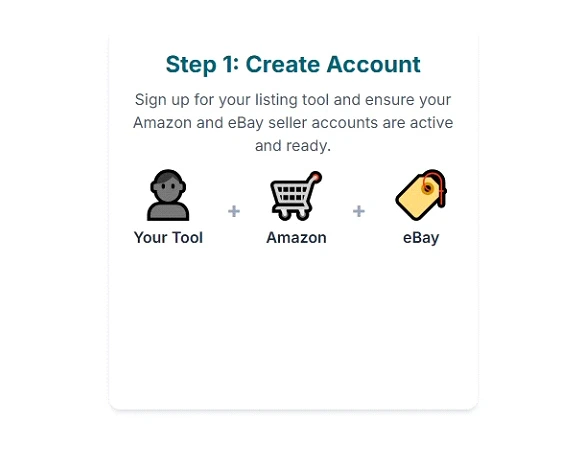
Start by signing up on Amazon to eBay listing software such as AutoDS, MapMyChannel, or any other platform that fits your needs. Make sure you have an active Amazon Seller Central and eBay Seller Hub account. Once you sign up, you'll have to verify your email and get access to a dashboard where you can manage both platforms from one place.
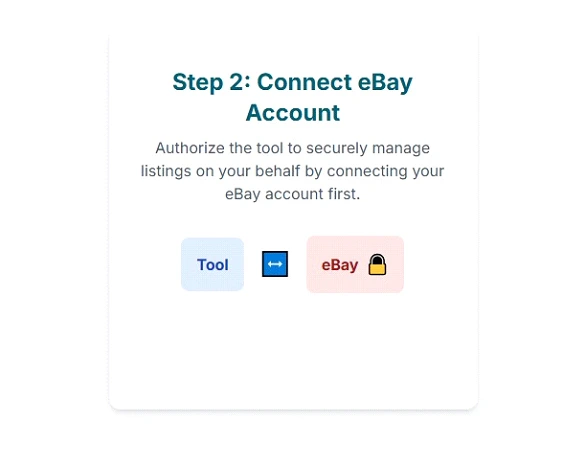
Lister tools will ask you to connect your eBay account first. You'll click "Connect eBay" and sign in using your seller credentials. eBay will ask you to grant permission so the tool can create and manage listings on your behalf. Once connected, you'll see eBay listed as an active channel in your dashboard.
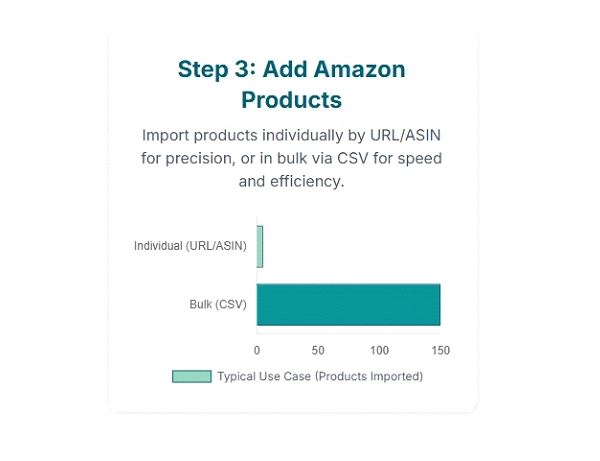
Now, bring your Amazon products into the system. Most Amazon to eBay lister free tools offer two methods:
- Paste an Amazon product URL or ASIN (for individual listings).
- Upload in bulk via CSV file (for multiple listings at once).
The tool will automatically pull product details such as the title, images, price, and description. You can edit the details before publishing to make them more SEO-friendly for eBay by blending with Amazon seo strategy that will bring consistency and keyword relevance across platforms.
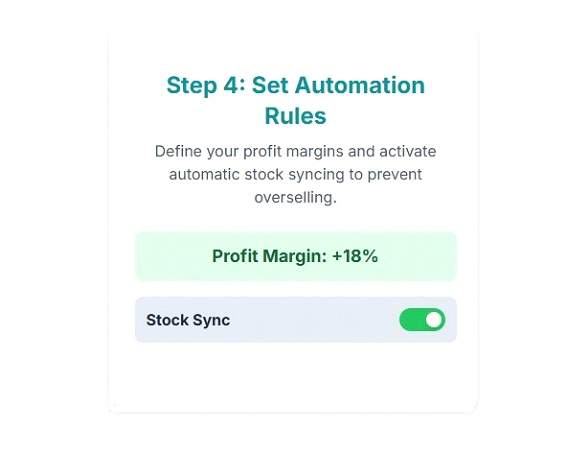
Once your products are imported, the next step is setting your pricing and stock sync rules. You can decide how your eBay prices should be adjusted compared to Amazon, for example, adding a small profit margin or accounting for shipping costs. You can turn on automatic stock sync, so whenever a product sells on Amazon or goes out of stock, the listing updates on eBay. This helps you avoid overselling and keeps your listings accurate.
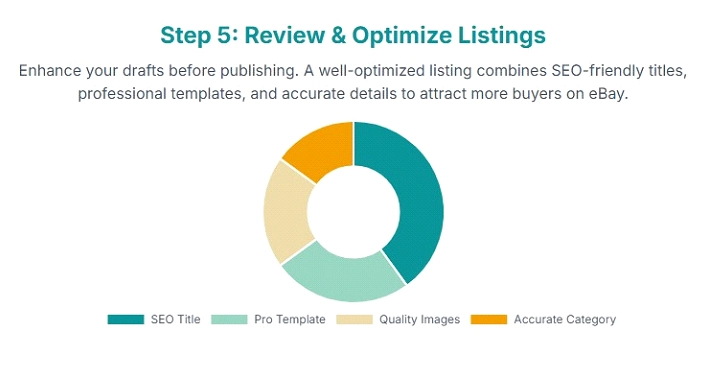
Before you publish, check your listing titles, categories, and images. Some tools provide listing templates that will make your eBay listings look more professional. Optimizing your titles with high-ranking keywords on eBay will improve your visibility and sales.
Once you're done with your listings, click "Publish" or "List to eBay". Within minutes, your Amazon products will appear live on eBay, with images, descriptions, and pricing. It's best to start with a few test products to make sure everything looks correct, then scale up.

When your listings go live, your connected tool will start syncing orders and inventory. Some software gives an option of auto-order fulfillment, which means when an item sells on eBay, it can be purchased from Amazon automatically or will be fulfilled through your FBA/MCF stock. Keep monitoring your dashboard for low-stock alerts or use software for FBA warehouse management, price updates, and order tracking so you don't get overstock and understock, as it affects account health.

Partner with SpectrumBPO to Scale Your Amazon to eBay Expansion
Sellers who want to scale and expand their business, shifting from Amazon to eBay is best, but it needs a strategy to achieve success. The best free Amazon to eBay lister saves time, but keeping the competitive pricing, optimizing listings, and managing advertisements is important to get organic visibility. Many sellers work with an full service Amazon agency who understands how to navigate both marketplaces and maximize potential on each platform.
FAQs
The cheapest way to list on eBay from Amazon is by using the best free Amazon to eBay lister tool that offers a free plan or trial. Softwares like MapMyChannel provide a free plan for up to one channel and limited orders, which is ideal for new sellers. WooCommerce offers a free extension, though plugins for integration have different costs. Tools like AutoDS and SellerChamp offer free and low-cost trials to help you get started without paying up front.
The fastest way to create a listing on eBay is by using an Amazon to eBay lister tool that supports automatic import and bulk editing. Tools like AutoDS, MapMyChannel, and SellerChamp let you import listings directly from Amazon using ASINs or URLs. Once you connect, these tools take titles, descriptions, images, and prices automatically. With features like real-time sync and listing templates, you can publish multiple eBay listings in minutes instead of hours.
Share this Post




Blog Categories
Uncategorized
